
Writing & study
Scribe brings writing, local pictures, and Scripture references together on a canvas.
Study Library organization and focused Note and Journal tools are implemented in development, alongside saving and recovery work.
My Selah 2.0 / Development journal /
The purpose stays familiar: a personal space for Scripture, reflection, and prayer. My Selah 2.0 is exploring more room to read, connect ideas, and make that space your own.
Explore four views from the Windows development build: discovering a passage, focused reading, returning to study, and arranging thoughts on a canvas.
01 / Scripture & reflection
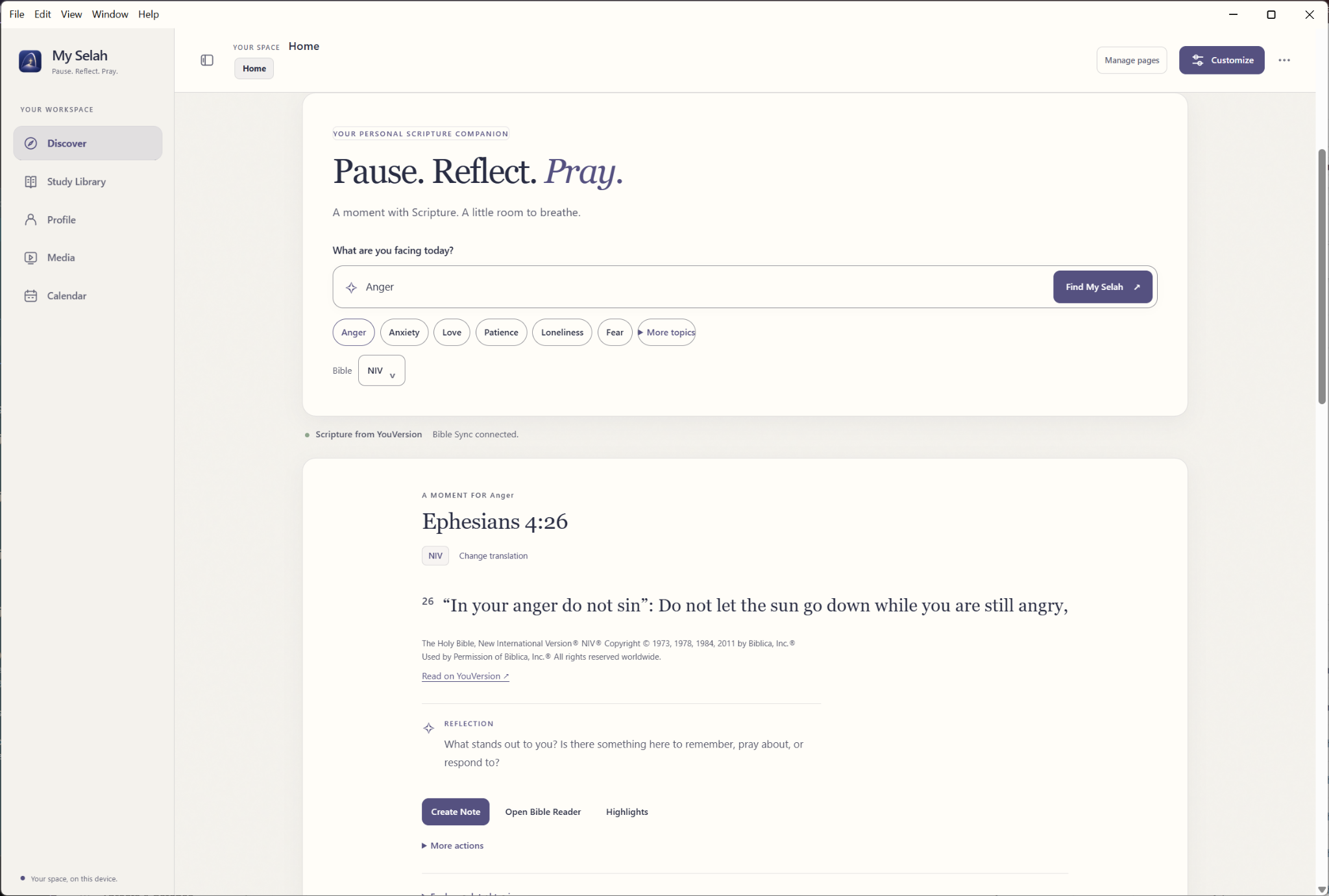
Begin with a topic, spend time with a passage, and make room for reflection. This preview brings Scripture discovery and reflection prompts together, with actions to create a note or continue in the Bible Reader.
02 / A focused reading space
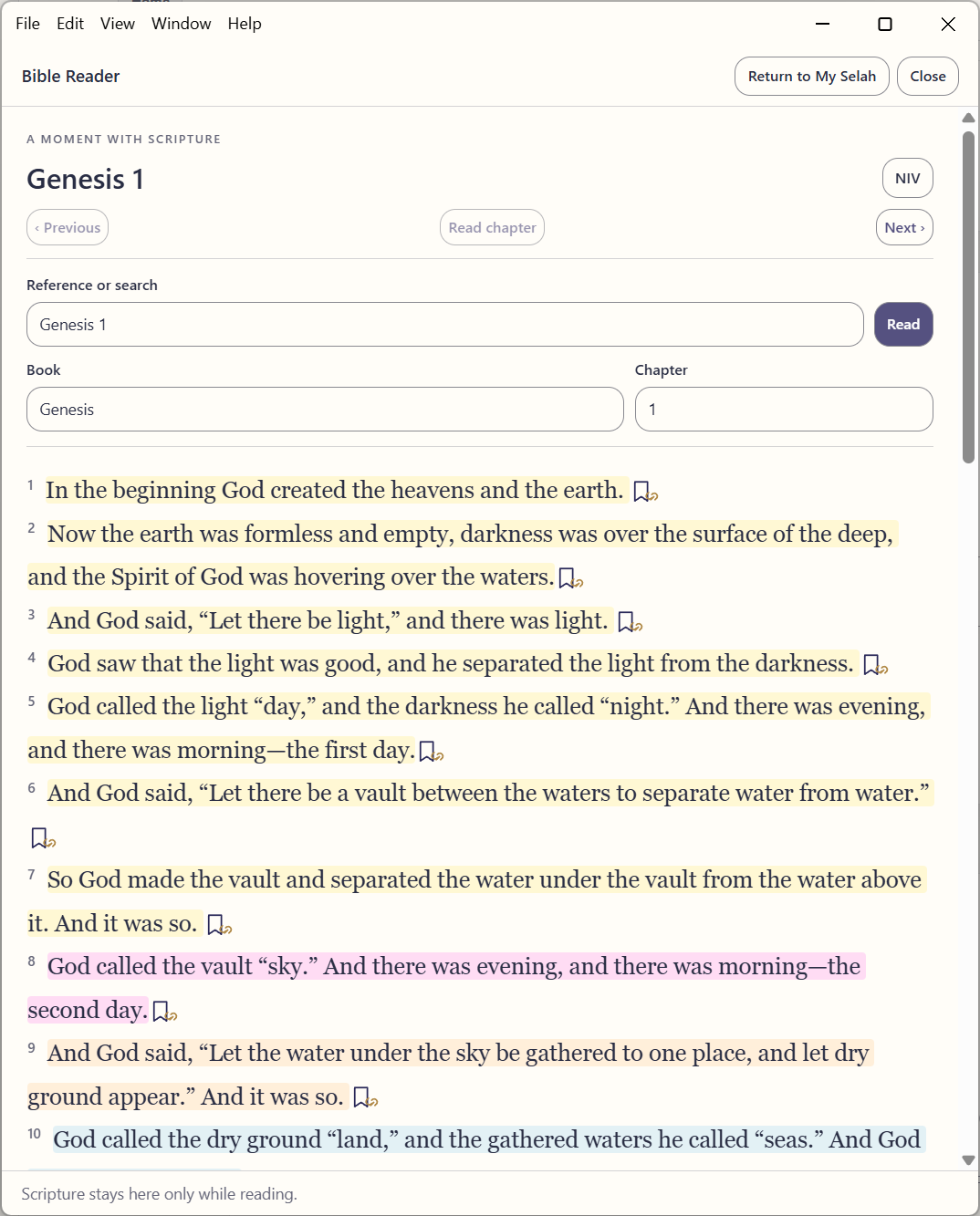
Give the passage its own reading space. Book and chapter selectors, reference search, and highlighted verses are visible in this Bible Reader preview, shown here with Genesis 1.
03 / Return to your study
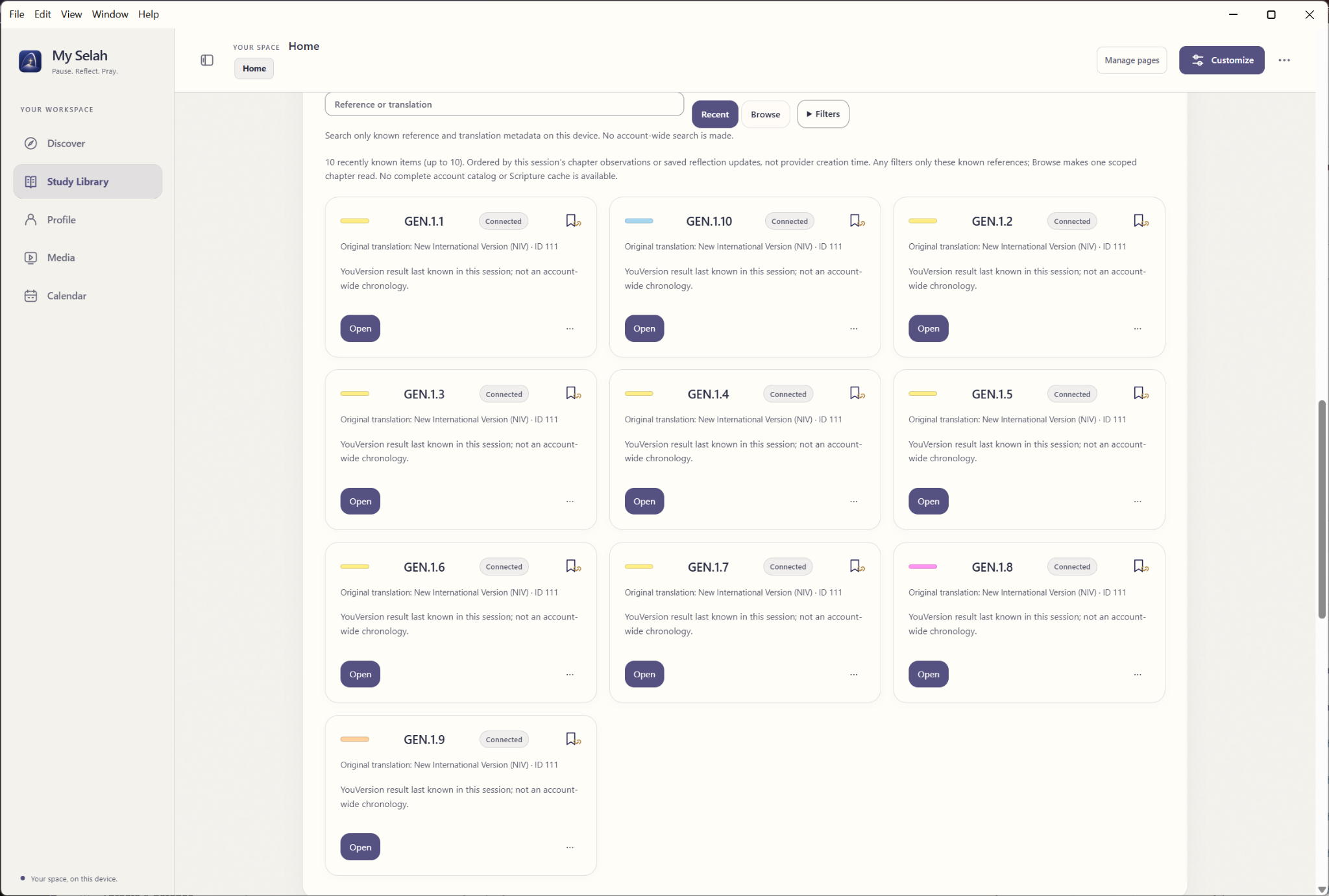
Return to a recent reference and see its translation at a glance. This Study Library preview shows recent reading cards alongside Browse and Filters controls, offering a view of the study interface being developed.
04 / Room for your ideas
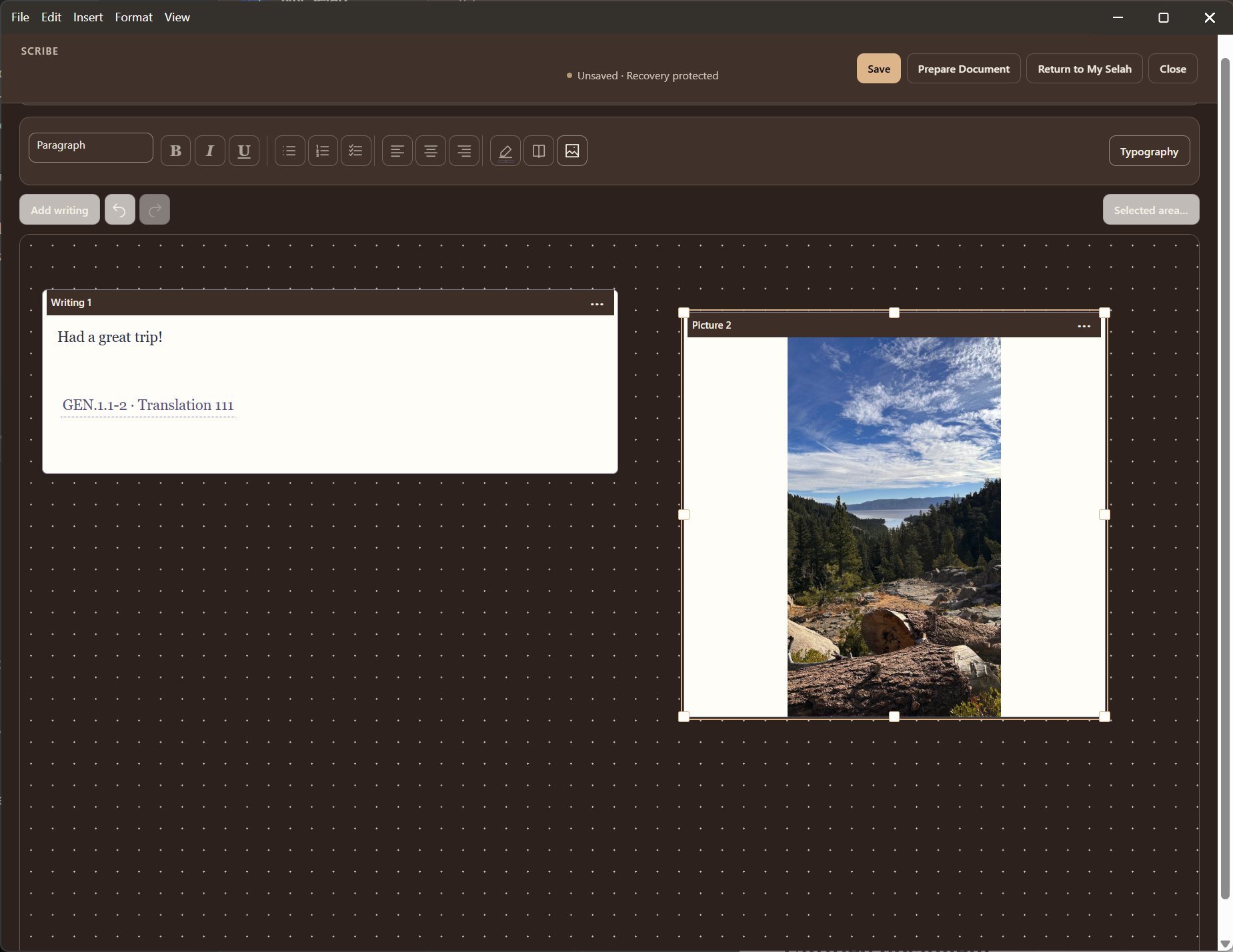
Arrange ideas in a more open writing space. This Scribe preview places a writing block, a linked Scripture reference, and a picture on a freeform canvas, with editing controls close to the work.
October 2026 / Engineering progress
The screenshots tell part of the story. Work on writing, local data, and everyday organization is also moving forward in development.
Scribe brings writing, local pictures, and Scripture references together on a canvas.
Study Library organization and focused Note and Journal tools are implemented in development, alongside saving and recovery work.
Development work includes SQLite-backed personal storage, transactional saves, and portable backup validation.
Verified local Scripture reading is taking shape. Translation availability and distribution remain subject to licensing; topic and text search remain online.
Independent Calendar events, stickies, and pins are implemented in development. A bounded Windows trial verified a reminder after the app exited.
Production reminder delivery remains disabled pending further platform testing.
The work ahead
Further testing and refinement.
Follow development updates on the Releases page.